Google Sheets add-on

Certificates from your sheet, with a QR code anyone can verify

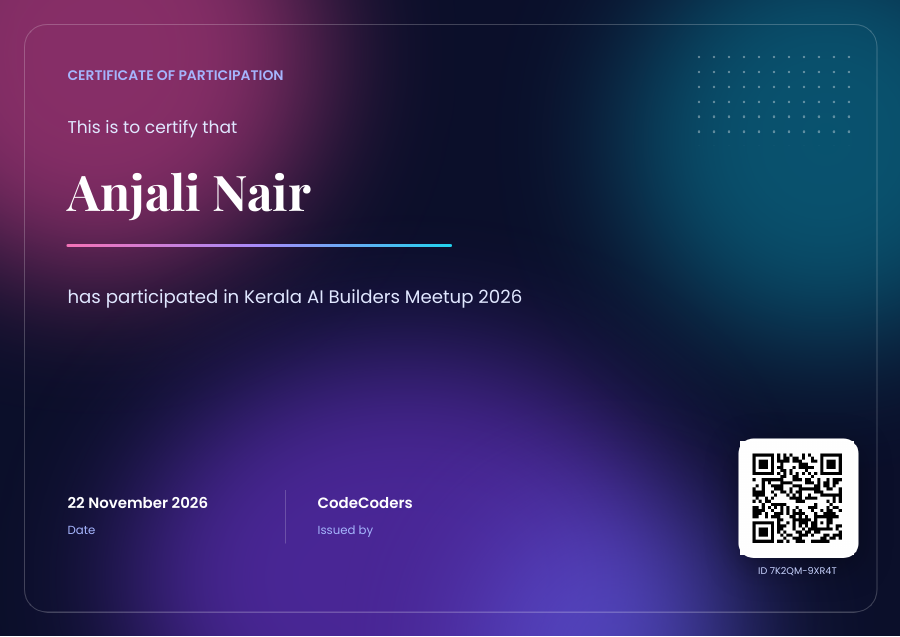
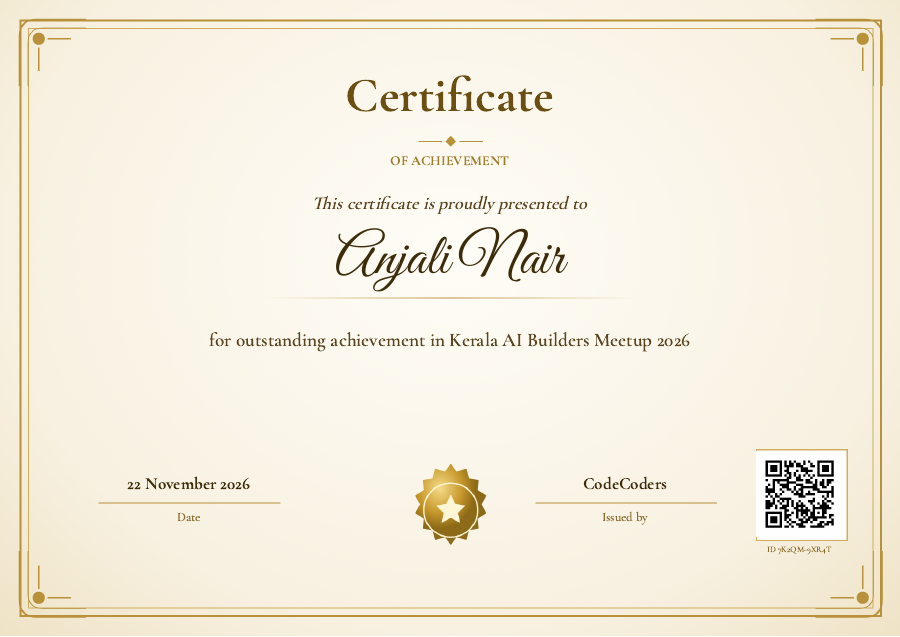
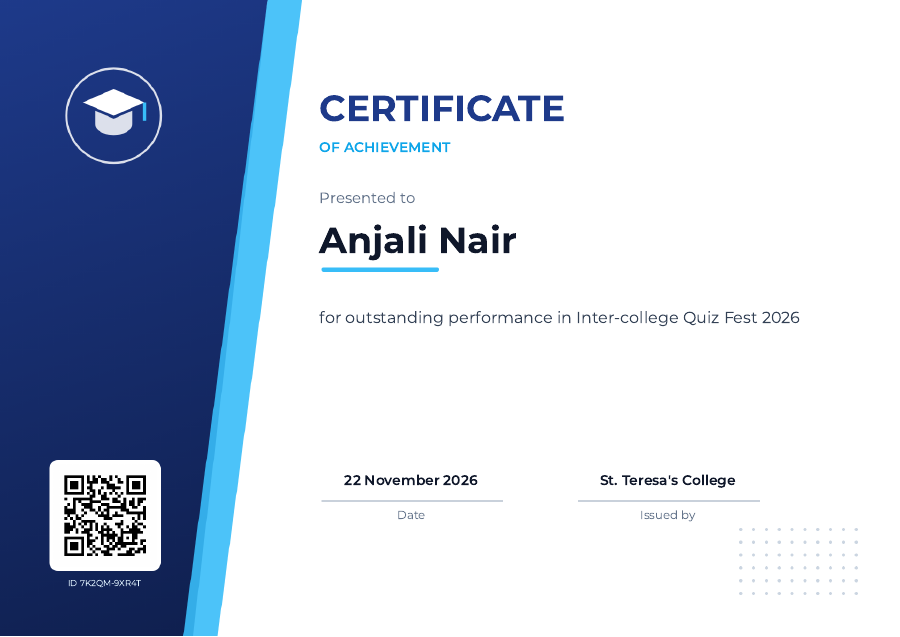
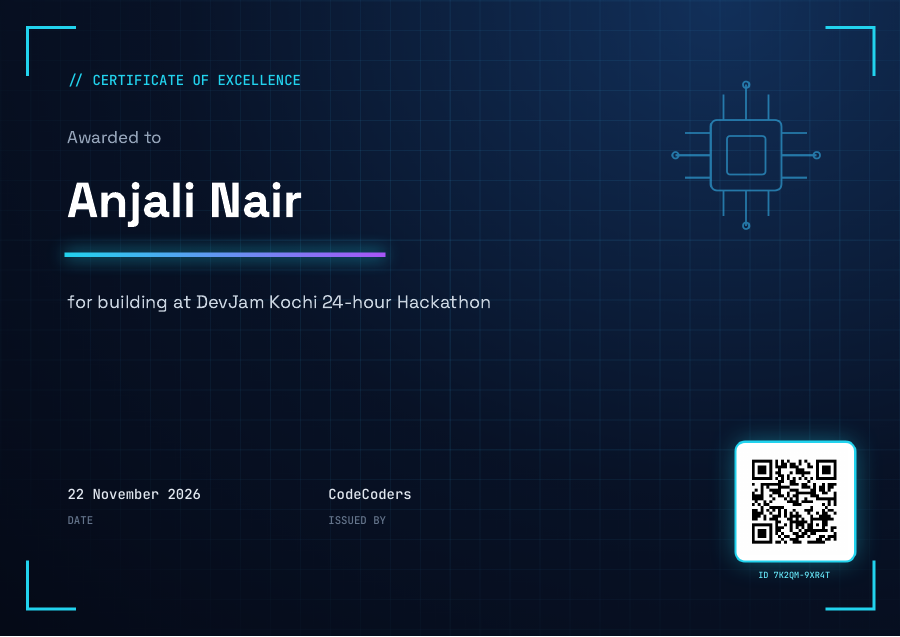
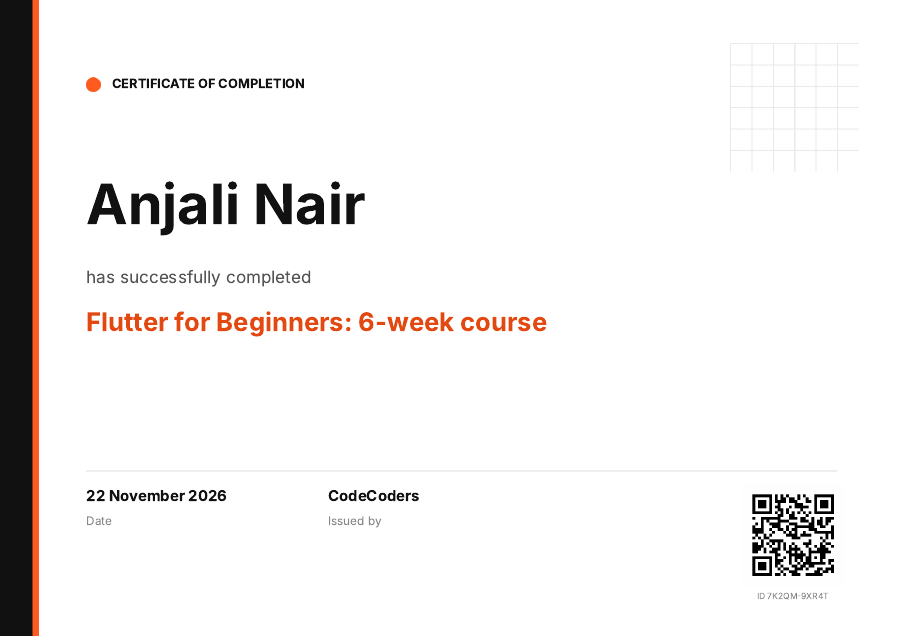
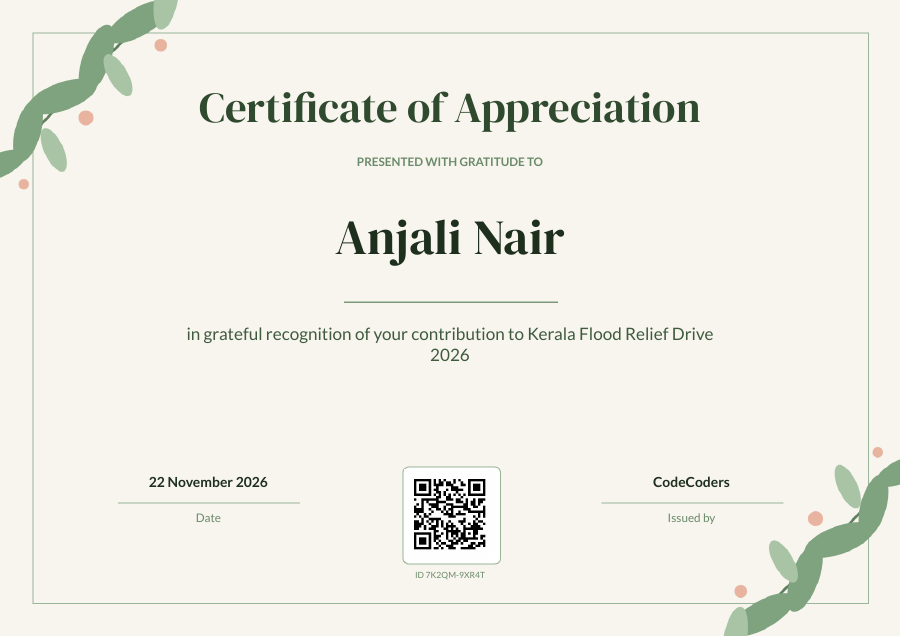
Turn a Google Sheet or Google Form responses into personalised PDF certificates, receipts and offer letters. Each person gets theirs by email, and anyone can scan the QR code to check that it is real.

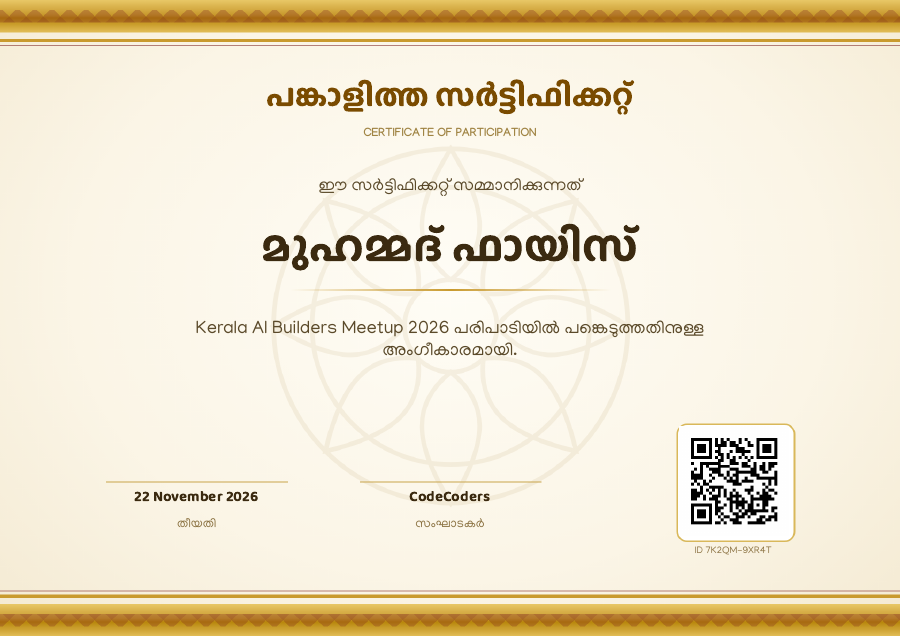
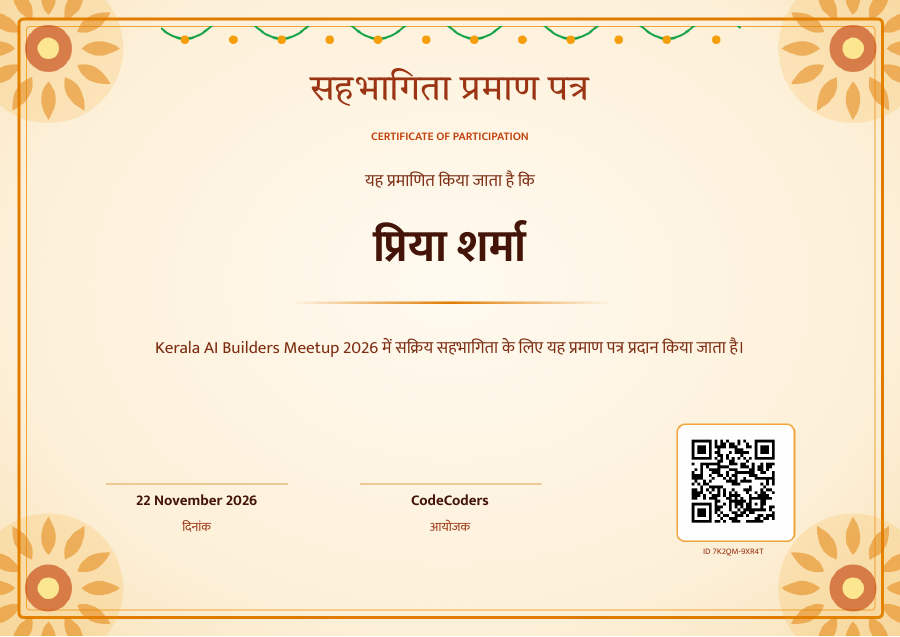
Free for 50 documents a month. Malayalam and Hindi templates included.

Three steps, inside Google Sheets

No new website to learn. CertLume opens as a sidebar next to your sheet.

Pick a template

Start from a ready-made design, or use your own Google Slides or Docs file with placeholders like {{Name}}.

Match your columns

Placeholders are matched to your sheet's columns automatically. Add a fixed text, like your college name, for everyone.

Generate and send

Each row becomes a PDF in your Drive, emailed from your own Gmail. The sheet shows the status and link for every row.

Built for colleges, events, coaching centres and HR teams

Everything you need to send hundreds of documents without copying and pasting.

QR

QR verification

Every document gets a unique ID and QR code. Scanning it opens a page that shows the name, event, date and issuer. You can revoke a certificate at any time.

അ

Malayalam and Hindi

Templates with proper Malayalam and Hindi fonts. Names in Malayalam, Hindi or English all print correctly.

↻

Google Forms, automatically

Link a Google Form to the sheet and switch on auto-send. Each new response gets its certificate within minutes, even with the sidebar closed.

∞

Large batches, no stress

Big lists are processed in batches. If you stop or close the sidebar, press Generate again and it continues where it left off. Finished rows are skipped and no ID is counted twice.

@

Your Drive, your Gmail

PDFs are saved in a folder in your Google Drive and emails go out from your own account, so replies come back to you.

₹

Receipts and offer letters too

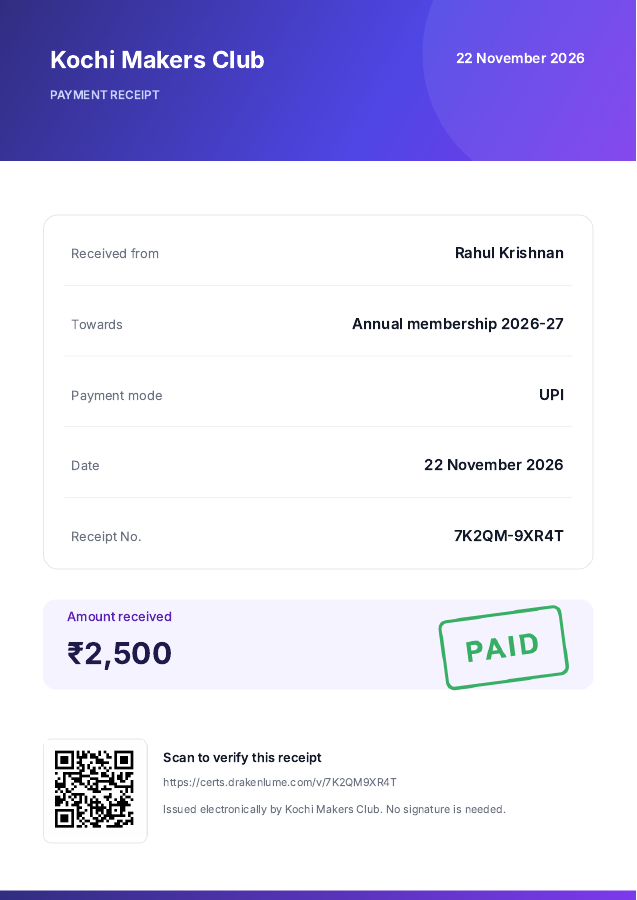
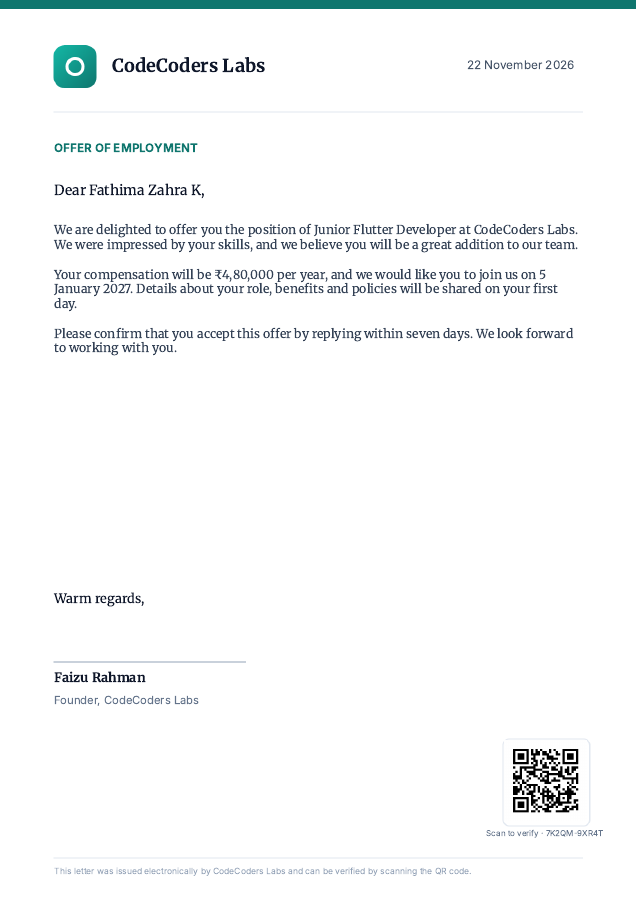
The same engine makes payment receipts, offer letters and invoices from any template with placeholders.

10 ready-made templates

Open any template in Google Slides and change the wording, colours or logo. Your changes are used for every document.

Got a certificate? Check it here

Scan the QR code on the certificate, or type the ID printed on it.

Simple pricing

Free: 50 documents a month, every feature.
Pro: ₹499 a month (or ₹4,990 a year) for 2,000 documents a month.

See pricing

Questions

Do I need to give CertLume access to my whole Google Drive?

No. CertLume uses Google's narrow Drive permission: it can open only files it created (its templates, the PDFs, the output folder) and the one template you pick. Google also asks you to allow editing Slides and Docs, which CertLume uses only to fill in a temporary copy of your template. It never reads your Gmail inbox.

What is stored on your server?

For each certificate with a QR code: the ID, name, event, date and issuer that the verify page shows, plus which Google account issued it. We do not store your sheet, the recipients' email addresses or the PDFs. See the privacy policy.

How many emails can I send?

Emails go out from your own Google account, so Google's daily limits apply: about 100 recipients a day for a personal Gmail account and 1,500 for Google Workspace. The sidebar shows how many you have left today. PDFs are still made when the email limit is reached.

Can I use my own design?

Yes. Make it in Google Slides or Google Docs, type placeholders such as {{Name}} where the data goes, and add a box with {{QR}} where the QR code should be. See the docs.

What happens if a certificate was issued by mistake?

Revoke it from the sidebar. Its verify page then says it was withdrawn, with your reason if you give one.